Best Password Manager – I know you have ever gone through the pain of losing your password for that important account you had created on a certain site (yes, you), This is very common today as we all want to secure our data with utterly complex passwords that we deem uncrackable. In the frenzy of creating a complex password, you can easily forget the passwords especially if you have many passwords to remember. Thankfully, there are now password managers to keep your passwords secure and to also help you remember your passwords. In this list, I have compiled the best password managers for Windows, Mac, Android and iOS and all are very competent and even offer you extra features. When it comes to keeping your passwords secure, these apps will surely get the job done.
The Best Password Manager 2017
This app is quite a marvel when it comes to keeping your password secure. With an impressive user interface and well implemented features. It has a variety of features that when packaged together, there is guaranteed security, such as ASE 256-bit encryption, password generation, fingerprint security, storage for data and also cross device syncing. Things can get even better with the upgrade that costs only $2.99/month. The upgraded version keeps all of your secure information synced across various devices and you don’t have to configure anything. In addition, they also have the Family or Team plan that you can upgrade to and this will enable you to share passwords with multiple 1password users.
Dashlane is one other great password manager that you can use to keep your passwords safe. It provides AES 256-bit encryption plus secure cross device syncing not forgetting on-device password generation. It also has the capability to store other information such as credit card details, addresses and other sensitive information you may have. Dashlane has its own browser too and this comes in handy when you don’t want to keep typing the same password over and over again since the browser can auto-fill all of your accounts and passwords as you visit different websites. In case you want to fill in your password into other apps, there is also the keyboard to help you out. Dashlane is free and apparently they offer you 30 days of the premium features for free upon download just so that you can savor its amazing features. This is surely one of the best password managers to try out.
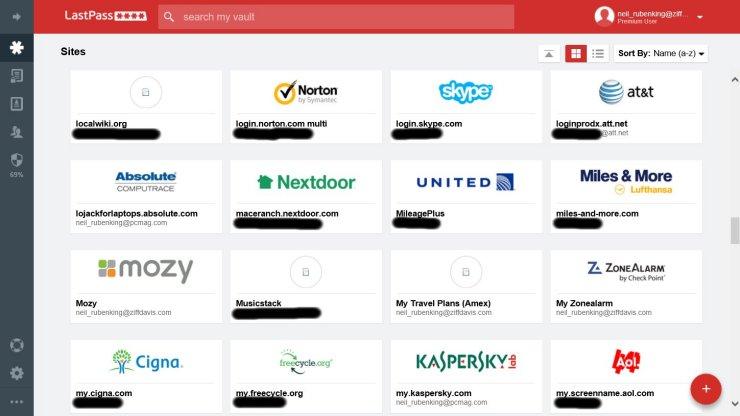
LastPass, just like the aforementioned password managers offers amazing features like AES 256-bit encryption, auto-filling of login details for browsers and apps, cross-device syncing for the premium version and also has fingerprint unlocking. The app is just $12 per year and similar to 1Password, you can also share password and other information with other multiple users using the LastPass family folder.
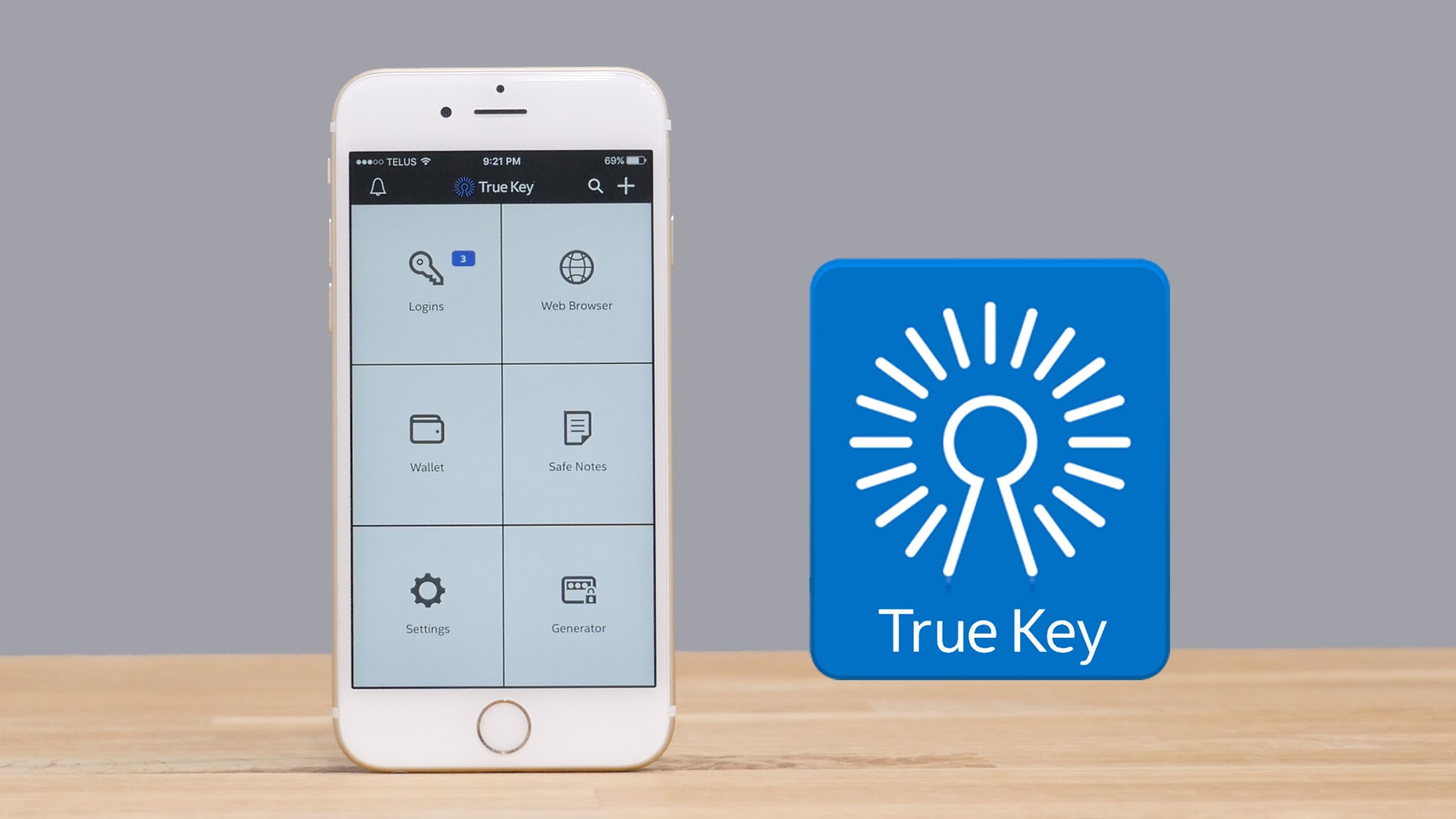
True key uses a master password to protect all other passwords and also packs other great features like two-factor authentication with fingerprint or facial recognition. It’s purely a master at keeping passwords safe. True Key is free for up to 15 passwords and after that you may be prompted to get the premium version which is $19.99 per year. True Key is cross platform and therefore the app is available for Windows, Mac, iOS, and Android. However, finger print scanning isn’t available for Mac and Android yet.
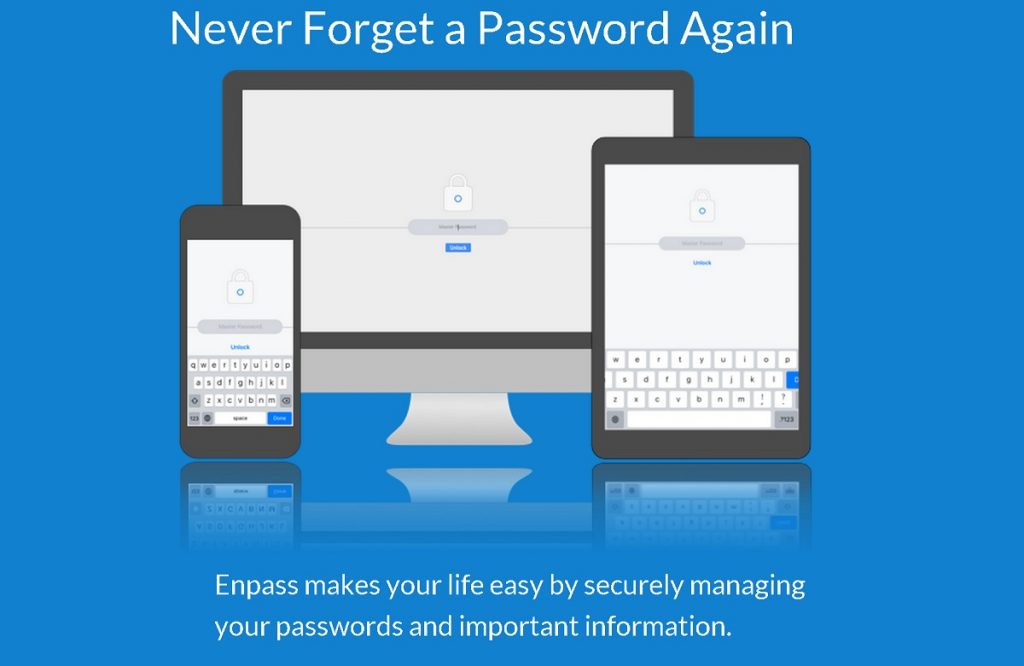
This is a great password manager that is simple and yet has all the features you would wish for in a password manager. The app has a built in browser, fingerprint sensor lock, password generation and has industry level encryption. The app is free but also has a premium version that you can upgrade to and it costs $9.99. Of course, with the premium version, things get even better with features like access to the free desktop and chrome apps. This is because you store the password data on your very own dedicated cloud service of choice. You could surely use help from this app to keep your passwords secure.
6. RoboForm
This password manager apparently, claims to be the best at what it does. However, their lack of the various features that are offered by its rivals makes us question the validity of their claim. RoboForm is free and they also have a premium account that you can get for $9.95 for the first year. However, the mobile apps are free. The app is available for Windows, Mac, iOS and Android. RoboForm may not have the features that its rivals offer but they are a good option worth trying for anyone that just wants to keep their passwords safe and synced securely between their devices.
Keeper Desktop is definitely one of the best apps to use in keeping your passwords safe. Keeper has a free version that is limited to a single device with local password storage. The premium version that is $29.99 offers unlimited password storage and syncing across devices, fingerprint authentication and also a web app. Note that this is for the individual plan. The family plan costs $59.99 per year for five users. With Keeper Desktop, You, can also store other information like photos, videos and documents in the digital vault. In case you have a smart watch you can as well use it for two-factor authentication.
8. Sticky Password
Made by the developers of AVG Antivirus, there is no doubt that security top notch. Sticky Password has both free and premium versions. It offers fingerprint authentication on mobile, Wi-Fi syncing with local devices and is also available as a portable USB version unlike the rest on this list. The premium version costs $29.99 a year and it offers an additional feature of cloud syncing and backup. Sticky Password is available for Windows, Mac, Android and iOS.
This password manager free and open source and embedded with strong security. It has multiple user support and you can also expand the apps capabilities with few plugins. This is perhaps the only customizable app on this list with many options to play with. The fact that it is small enough and can run from USB without officially being installed on the PC is quite unique and handy. KeePass Password Safe is just a nice little app that can help you to keep your passwords safe.
This password manager is available for Windows, Android and iOS. The isn’t free as it comes with 30-day trial for 20 devices and full version will cost you $29.95. You can generate and store passwords and move them to other devices that you choose like your phone, USB device or even PC. Password Depot also offers an option to attach files to password entries